

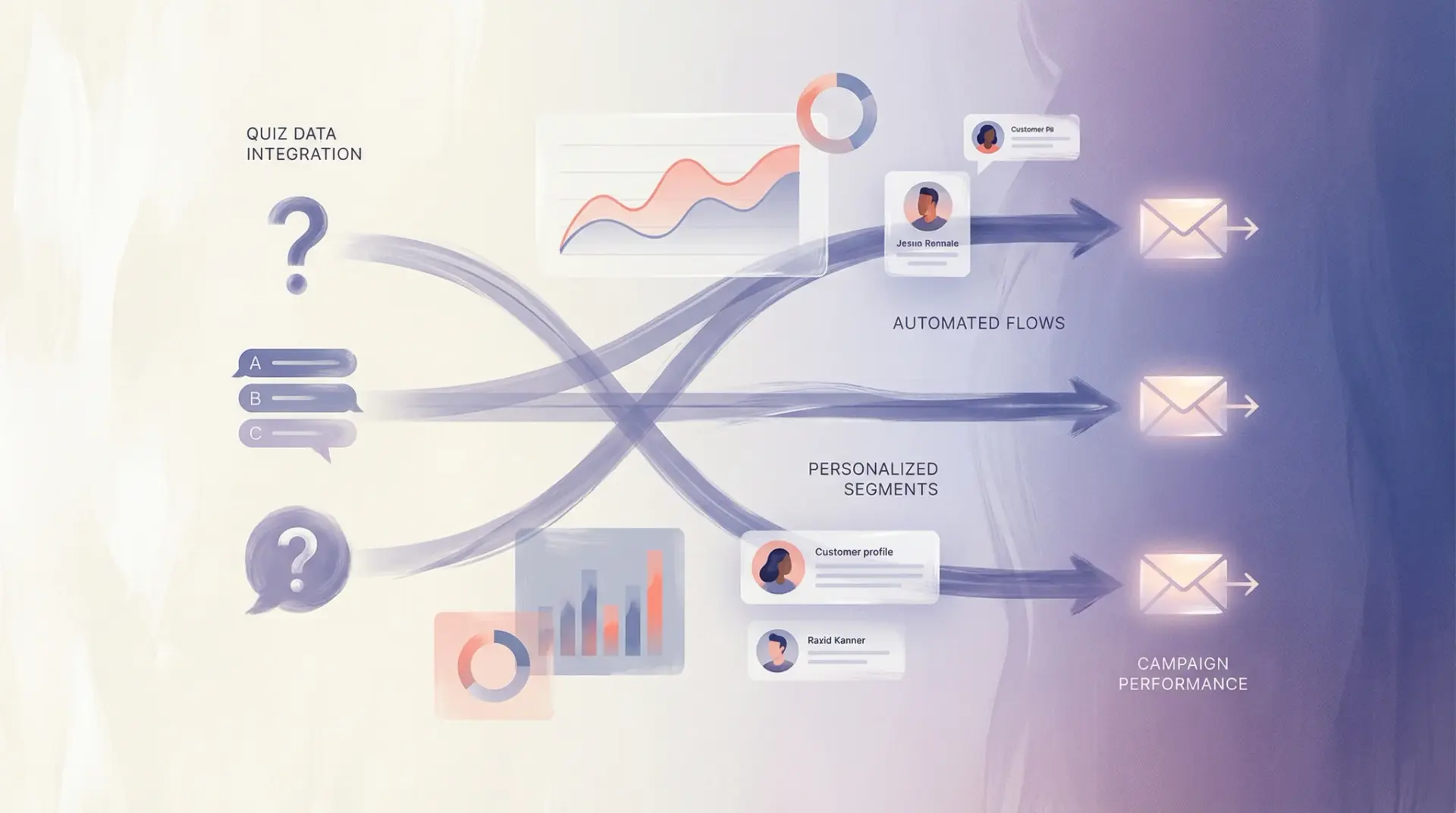
Your quiz collects rich customer data. Your email platform can personalize every message. Here’s how to connect them for email flows that convert 3x higher than generic campaigns.
You’ve built a product quiz. Customers are completing it, sharing their preferences, and (hopefully) making purchases. But what happens to all that valuable data after the quiz is done? If it’s just sitting in a spreadsheet somewhere, you’re leaving money on the table.
The real power of quiz data comes when you connect it to your email marketing. When every email is personalized based on what customers told you about themselves, open rates climb, click rates soar, and revenue per email increases dramatically.
The Personalization Impact
3x Higher Revenue
From personalized vs. generic email flows
+47%
Open rate lift
+89%
Click rate lift
+156%
Revenue per recipient
How Quiz-to-Email Integration Works
When a customer completes your quiz, their answers become “properties” attached to their profile in your email platform. In Klaviyo, these appear as custom properties that you can use to segment audiences, trigger flows, and personalize content.
Step 1Customer Takes Quiz
They answer questions about skin type, goals, preferences
Step 2Data Syncs to Klaviyo
Quiz answers become custom profile properties
Step 3Flows Trigger Automatically
Personalized emails send based on quiz responses
Step 4Content Personalizes
Product blocks show items matched to their profile
5 Essential Quiz-Triggered Email Flows
Here are the flows every brand should build using quiz data:
1Quiz Results Follow-Up Flow
Triggered immediately after quiz completion. Reinforces their results, reminds them of recommended products, and addresses any hesitation.
Email Sequence:
ImmediateYour personalized routine is ready!
24 hoursWhy we picked these products for you
3 daysQuestions about your routine? We’re here to help
7 daysDon’t miss your 10% off (expires soon)
✓ Average 42% conversion rate on this flow
2Personalized Welcome Series
Replace your generic welcome flow with one that speaks directly to each customer’s needs. Use quiz data to personalize every email in the series.
Generic Welcome
“Welcome! Here are our bestsellers…”
✓ Personalized Welcome
“Welcome, Sarah! Based on your oily skin and anti-aging goals, here are your perfect matches…”
3Educational Content Flow
Send tips and educational content matched to their quiz responses. Someone who said “acne-prone” gets acne tips; someone who said “dry skin” gets hydration guides.
Content Branching Example:
Oily Skin→”5 tips for controlling shine all day”
Dry Skin→”The hydration layering technique”
Anti-Aging→”When to start using retinol”
4Replenishment Reminder Flow
After purchase, send reminders when products are likely running low—timed based on their stated usage frequency from the quiz.
Daily user
Serum (1oz)
Remind at 25 days
Twice weekly user
Treatment mask
